Wedding Guest List: How to Organise Parties, Plus-Ones and Children
AI-generated image
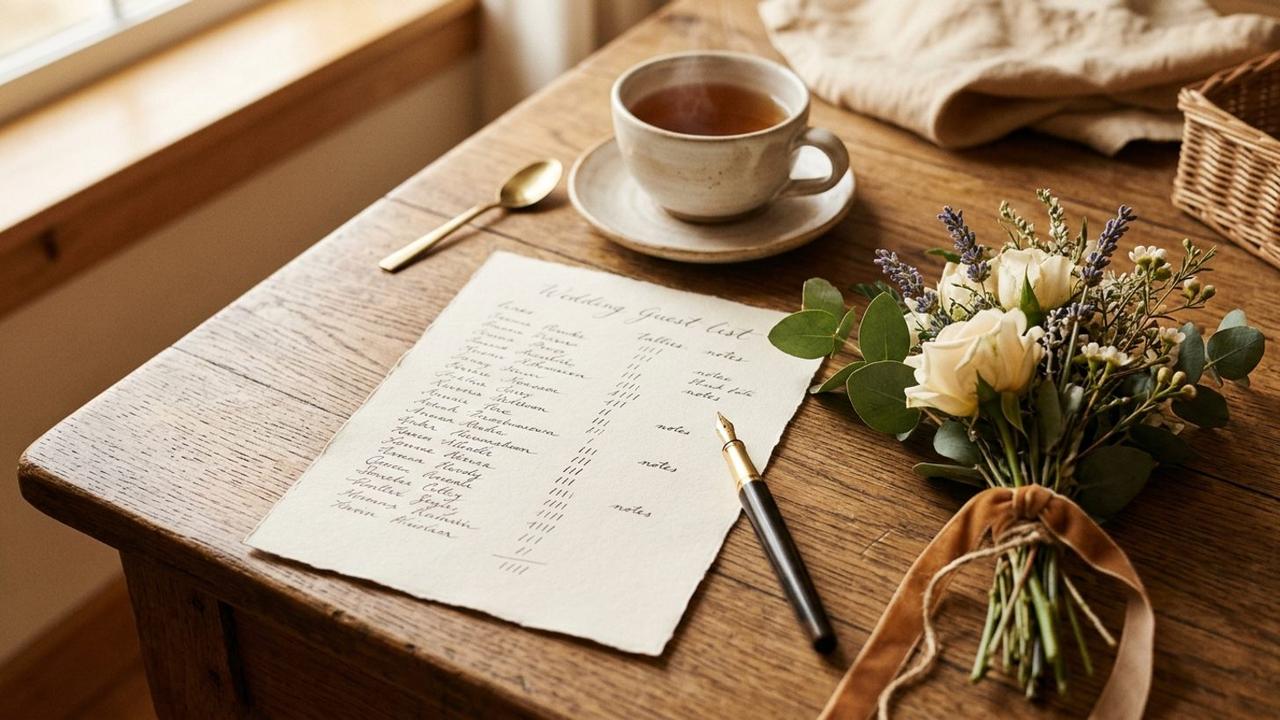
The best way to organise a wedding guest list is by party: one entry for each invitation, with every person in that party listed inside it. Decide your plus-one and children policy before you start, then keep a single list that your invitations, replies, meal choices and seating plan all read from. One list means the number you give your caterer is the number your guests actually gave you.
Most guest lists start as a spreadsheet and a lot of guessing. For an average UK wedding of about 80 guests, that is manageable. As the list grows, and as more of it arrives from parents, partners and friends, it stops being manageable. This guide sets out a way to structure it from the start.
Start with the numbers, not the names
Before you write a name, settle three numbers: the most people your venue holds, the most your budget feeds, and the most you want in the room. The smallest of the three is your ceiling.
It also helps to know that a wedding is often two guest lists. Bridebook's UK Wedding Report 2026 puts the average at 80 guests, with 74 at the ceremony and 21 additional guests in the evening. Plan for a core list and an evening list from the beginning, rather than discovering the difference when the invitations go out. (source)
Group guests by party
A party is everyone who goes on one envelope. It can be one person, a couple or a family. Treating the party as the unit makes everything downstream easier:
- One invitation and one reply for the party, instead of five separate chases.
- Meals, dietary needs and seats stay attached to the right people.
- A party can be seated together as one block, and your count of people still adds up.
Write the line for the envelope the way you want it printed, such as "The Marshalls" or "Jo Turner and guest", and name one adult as the main guest, the person the invitation and emails go to.
Decide your plus-one and children policy early
Two policies cause most of the awkward messages, so decide them before anyone is invited.
- Plus-ones. Choose who gets one and how you will say so. Naming each person on the invitation is clearer than a general "and guest".
- Children. Invited, not invited, or only some. State it plainly on the invitation and the wedding website. If children are invited, ask the caterer about a children's menu early.
Whatever you choose, apply it the same way to everyone you can, so no one feels singled out.
Use sides and groups for different jobs
Two labels are useful, and they are different things.
- A side is a label for you, such as one partner's family, friends or work. It helps you count and balance the list. Guests never see it.
- A group decides which parts of the day a party is invited to, such as Ceremony and dinner, or Evening only.
Keeping those apart stops a counting label from deciding who gets invited to what.
Keeping the list in one place with Fizz
On Fizz, the Guests page is that single list. Press Add a party, write the name on the envelope, name the main guest, add the other people in the party, and choose a side and a group if you use them. The party is added to your wedding straight away. You choose when their invitation goes out. Fizz guest list shows the screens.
- Everyone on the list counts towards your plan's guest limit. The page shows your count against your limit, and warns you before an addition would take you past it. Your limit depends on your plan, and you can set your own lower limit if your venue is smaller. Compare plans on the pricing page.
- You, your collaborators and your vendors never count. A person who says no to every event stops counting, and their place is free again.
- Each party shows its replies, and you can filter by group, side or whether anyone has replied yet.
- Download CSV gives you one row per person, if you want a copy for your planner or your own records.
- Adults sign in as themselves, and each adult can add their own email. Children are listed with their party and do not sign in, but they still count for meals and seating.
The help centre walks through the order in guest list setup and guest groups.
Chase the replies from the same list
Once invitations are out, the same list tells you who has replied and who has not. Chase from it rather than from memory. Our guide to setting up online RSVPs for your wedding has the wording and a four-message chase sequence.
Your guest list checklist
- Venue capacity, budget and ideal size settled, with the smallest as your ceiling.
- A core list and an evening list, if the day has two parts.
- Every guest in a party, with one main guest named.
- Plus-one and children policy decided and written on the invitation.
- Sides and groups chosen, if you use them.
- One list used for invitations, replies, meals and seating.
Disclaimer
This article is general guidance for planning a wedding, not legal or medical advice. Check your venue's capacity with the venue itself.
Frequently Asked Questions
Want news and new features from Fizz?
We send an email now and then. No more than once a month.
Capture every angle of your wedding day
A wedding page brings together photos, videos, and messages from everyone who was there.