How to Set Up Online RSVPs for Your Wedding
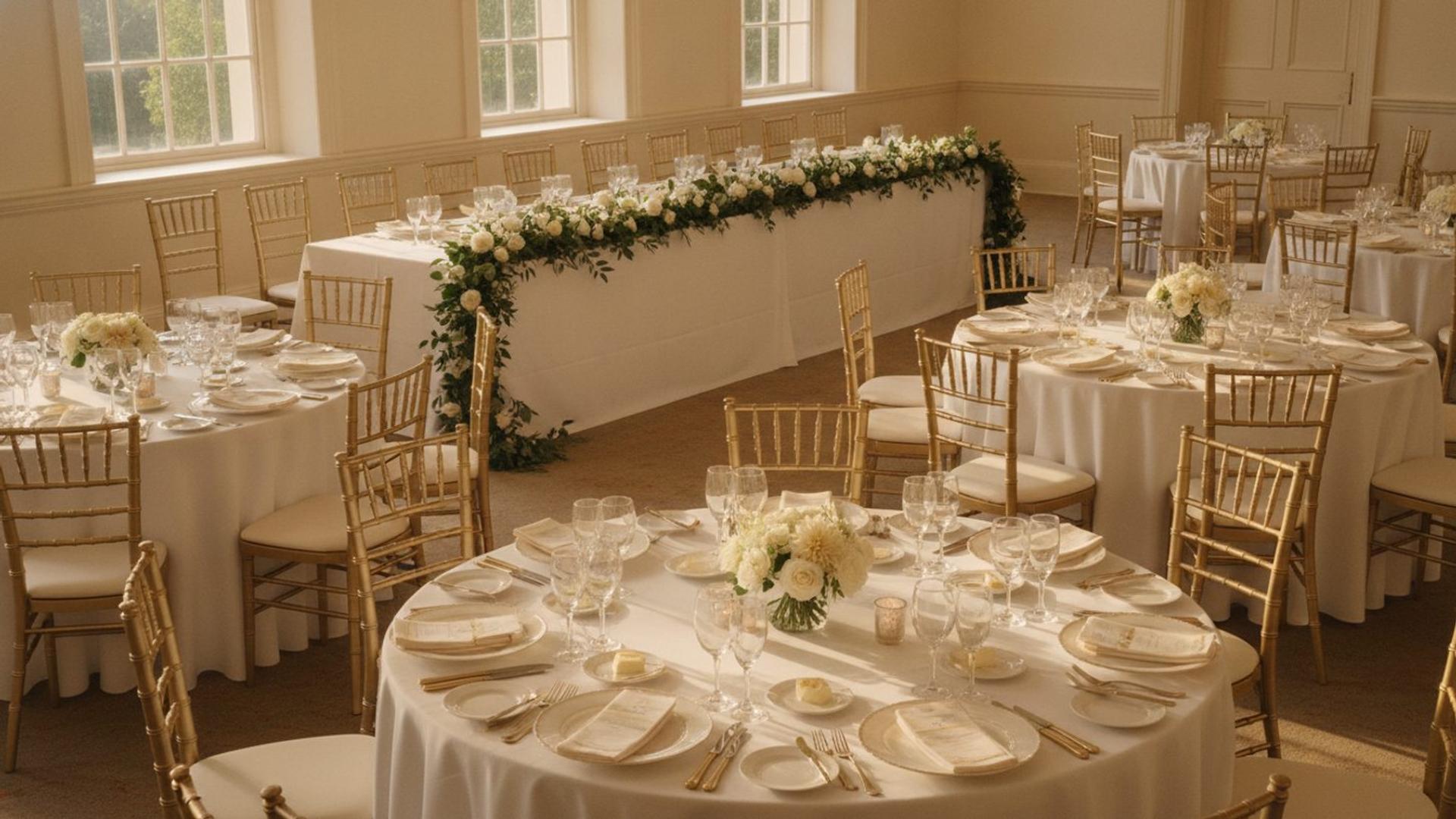
AI-generated image
Collecting RSVPs is the part of wedding planning that quietly eats the most time, not because it is hard, but because it never quite finishes. The cards trickle back, the count never adds up, and three weeks before the day you are texting your second cousin to ask, as warmly as you can manage, whether they are actually coming.
This is the complete system for doing it online instead: how to decide what to ask, set up the form, word the request, chase the stragglers without the stress, handle the awkward cases, and turn responses into a final headcount your caterer can use. Templates included throughout.
How do you set up online RSVPs for a wedding?
Add an RSVP form to your wedding website, ask only the questions you genuinely need, set a deadline about four weeks before the day, point guests to it from your invitation with a clear link and QR code, and let responses collect in one place that updates automatically. A good online RSVP replaces the cards, the spreadsheet and most of the chasing.
The advantage is not just convenience. Because the form lives on the website guests already use for everything else, responses, meal choices and dietary needs all land in one place, in real time, with nothing to transcribe.
Why digital beats paper (and when to run a hybrid)
Online RSVPs are faster, cheaper and far easier to track than paper cards, which is why a growing share of couples now collect responses digitally. Paper means printing and postage in both directions, illegible handwriting, and a manual tally that is out of date the moment you finish it. Digital means a live count and no transcription.
There is one good reason to keep a little paper: guests who are genuinely offline. For elderly relatives or anyone without reliable internet, run a hybrid, most guests respond online, and you collect a handful by phone or post and enter them yourself. The aim is to include everyone, not to be purist about the method.
QR codes have become a normal part of this. A large share of couples now include a QR code on their invitations or save-the-dates, and pairing it with a printed link gives guests two easy routes to the same form.
Five decisions to make before you build the form
Settle five questions before you touch a form, because each one changes what your RSVP needs to ask.
- Plus-ones: who gets one, and how you will phrase it so it is unambiguous. Address the invitation to named guests to avoid surprise extras.
- Children: invited, not invited, or only some. Decide the policy and state it plainly.
- Separate events: if you have a ceremony and an evening reception with different guest lists, your form needs to handle tiers.
- The deadline: set it about four weeks before the day, which usually means your caterer's cut-off plus a two-week buffer for chasing.
- Meal choices: whether you need them at all. If your caterer needs numbers per option, collect them; if not, skip the complexity. For a buffet, skip the meal question but still ask about dietary requirements.
Get these straight first and the form almost designs itself.
How to set up the RSVP form
Keep the form to the fields you actually need, because every extra question lowers the completion rate. Five essential fields cover most weddings:
- Name (matched to your guest list).
- Attendance: attending or not attending.
- Number of guests or plus-one, shown only if that guest is allowed one (conditional).
- Meal choice, shown only if attending and only if you need it (conditional).
- Dietary requirements or allergies, shown only if attending (conditional).
Optional extras worth considering: a song request, a message to the couple, or which events they will attend if you have tiers. Fields to omit: anything you will not actually use, addresses you already have, and long open questions that slow people down.
Use conditional logic so guests only see what is relevant, a guest who clicks "not attending" should not be asked for a meal choice. Put the form on a clear page of your website, link to it directly, and add a QR code on your invitation. For where this sits among everything else, see what to put on your wedding website.
Wording your invitation and RSVP request
The wording sets the tone and tells guests exactly what to do, so make it warm and unambiguous. Match the formality to your wedding, and always include both the link and the deadline.
Formal:
The favour of a reply is requested by [date]. Kindly respond at [yourwebsite].
Semi-formal:
Please let us know if you can join us by [date]. RSVP at [yourwebsite] or scan the code on your invitation.
Casual:
We would love to know if you can make it. Pop your reply in at [yourwebsite] by [date], it takes a minute.
On the page itself, a short, friendly intro helps: a line of welcome, the deadline restated, and a note that meal choices are collected here too. For the QR code, keep it at least two centimetres square, always print the URL alongside it as a fallback, and test it on three different phones before the invitations go out.
The chase sequence: four messages that work
Most non-responses are forgetfulness, not refusal, so a calm, scheduled chase sequence does almost all the work. Plan four touches and you will rarely need to do more.
Message one, a gentle nudge about a week before the deadline:
Hi [name]. Just a friendly reminder that RSVPs for our wedding close on [date], we would love to have you there. You can reply here: [link]. No rush, just did not want you to miss it.
Message two, on the deadline day:
Hi [name], today is the last day to RSVP for the wedding. If you can let us know either way at [link], it really helps us with numbers. Thank you.
Message three, a final chase two to three days after the deadline:
Hi [name], we are finalising numbers with our caterer this week and have not had your reply yet. Could you let us know if you can join us? Even a quick yes or no at [link] is a huge help.
Message four, a phone call for close family who still have not replied. A thirty-second call lands what three messages did not, and it is kinder for the people who would rather talk than tap.
Keep each message light and assume the best. The goal is a reply, not an apology.
Awkward scenarios, scripted
A handful of tricky situations come up at almost every wedding, so here is wording for the six most common.
- A guest replies with an uninvited extra. "We are so glad you can come. Unfortunately we are keeping the day to a small group and are not able to add extra guests, I hope you understand, and we cannot wait to celebrate with you."
- A guest changes their mind after replying. Update the form or your list quietly and reconfirm numbers with your caterer; no drama needed.
- A surprise plus-one assumed without asking. Use the same script as the uninvited extra, warm and firm.
- Children arrive on the RSVP despite an adults-only day. "We have decided to make the day adults-only so everyone can relax, we hope you can still join us and enjoy a night off."
- The relative who simply ignores the form. Move to a phone call early; some people will never use a form, and that is fine.
- A late yes after you have closed numbers. Check with your caterer and venue before confirming; if it cannot be done, explain kindly that numbers are now final.
Having the words ready means these moments stay small.
Tracking responses and your final headcount
Your RSVP system should give you a live count, so you are never tallying by hand. As replies arrive, you want to see at a glance who is attending, who has declined, and who is still pending, plus the totals per meal option and any dietary needs.
When you reach the deadline, export or summarise what you need for the people who need it: total numbers and meal breakdowns for the caterer, the count for the venue, and dietary notes for the kitchen. That same list feeds your seating plan. This is where an RSVP built into your website earns its place, the dashboard updates automatically, so the headcount you give your caterer is the one your guests actually submitted, with nothing re-keyed.
For when to open the RSVP in your overall timeline, see when should you create your wedding website.
Your RSVP checklist
- Decisions made: plus-ones, children, events, deadline, meal choices
- Form built with only the fields you need, using conditional logic
- Deadline set about four weeks before the day
- RSVP page live on your website, with a direct link
- QR code on the invitation, at least two centimetres, with the URL printed too
- Invitation wording includes the link and the deadline
- Chase sequence drafted and scheduled
- Awkward-scenario scripts ready
- A live view of attending, declined and pending
- Export plan for the caterer, venue and seating
Set up well, online RSVPs turn the most tedious job in wedding planning into a form you check now and then. The responses, the meal choices and the dietary needs all live alongside the rest of your wedding website, ready when you need them.
For the full picture of replies, meal choices, song requests and reminders, see online RSVP on Fizz.
Frequently Asked Questions
Bring your guests together to celebrate
A shared wedding page where everyone can add their favourite photos, videos, and memories.