Every guest's photos. One wedding album.
The Fizz companion app turns your guests into your photographers. Photos, voice notes and video messages land in your wedding page's guest book the moment they're captured.
See what guests can do
How it works
Scan the QR on your invitation
Guests join your wedding page in seconds with your QR code or invite code. No account setup needed.
Capture the day as it happens
Photos with wedding-day filters, 60-second voice toasts and short video messages, straight from their phone.
It all lands in your guest book
Every post appears instantly on your wedding page, ready to relive together after the big day.
What guests can do
Photos with wedding-day filters
Eight beautiful filters (Polaroid, Champagne, Black Tie and more) baked in as guests shoot.
Voice toasts
Sixty-second voice messages from the people who couldn't grab the microphone.
Video messages
Short video toasts, recorded in the moment and saved forever.
A living guest book
Every post becomes a polaroid card in your feed, with toasts and comments from other guests.
Two galleries in one
Your curated favourites alongside the live feed of everything guests capture.
Effortless joining
Guests scan a QR code or enter an invite code. That's it.
A closer look
AI-generated image
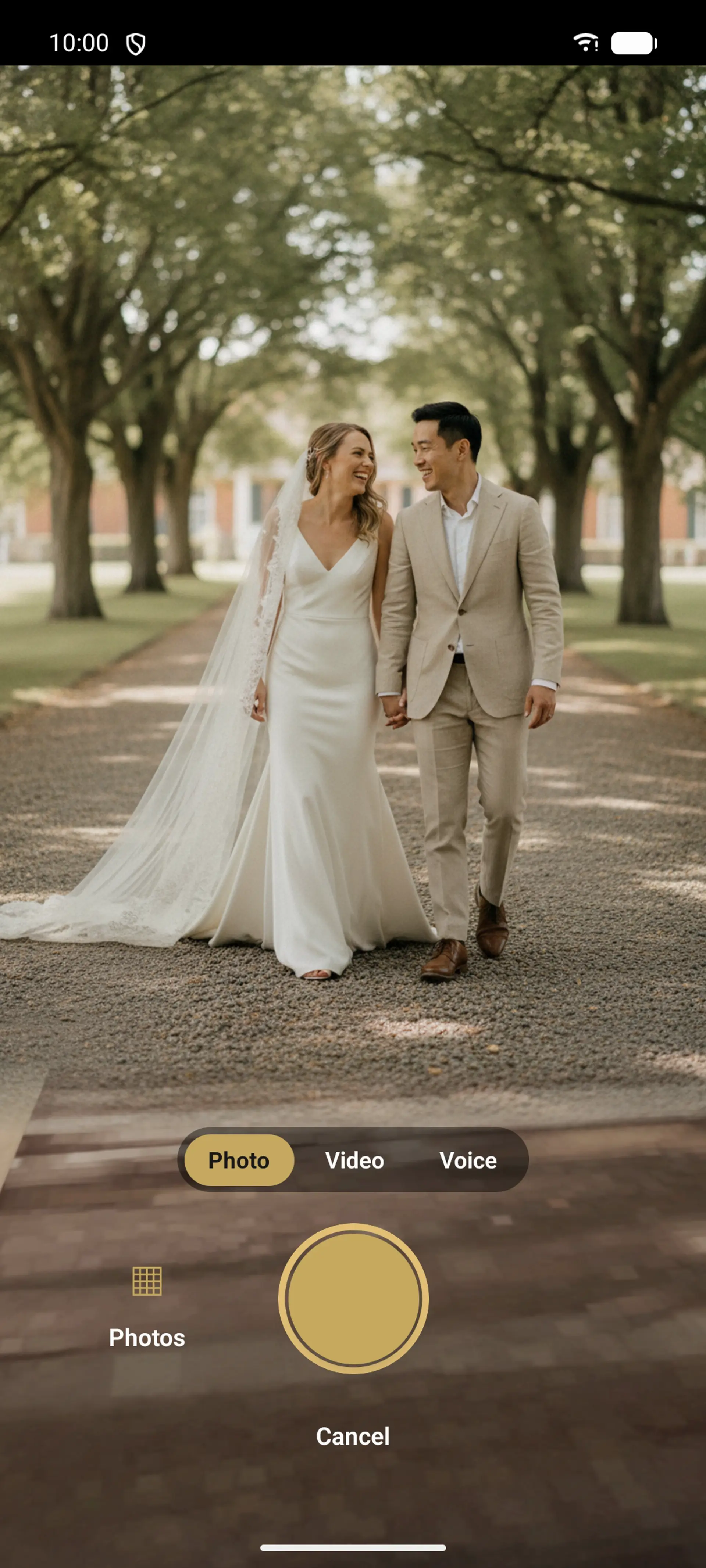
Every guest becomes your photographer, in a single tap
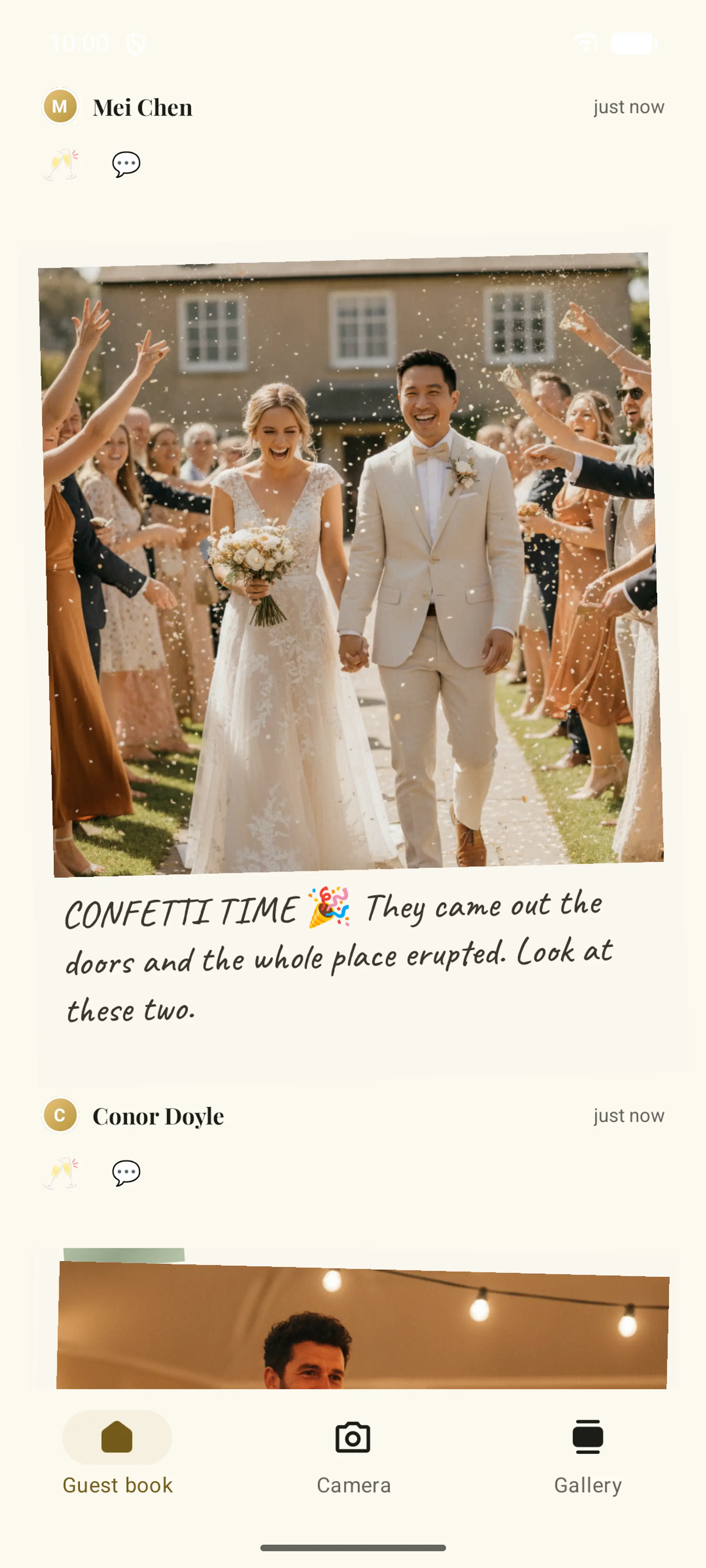
Every photo lands in your guest book the moment it is taken
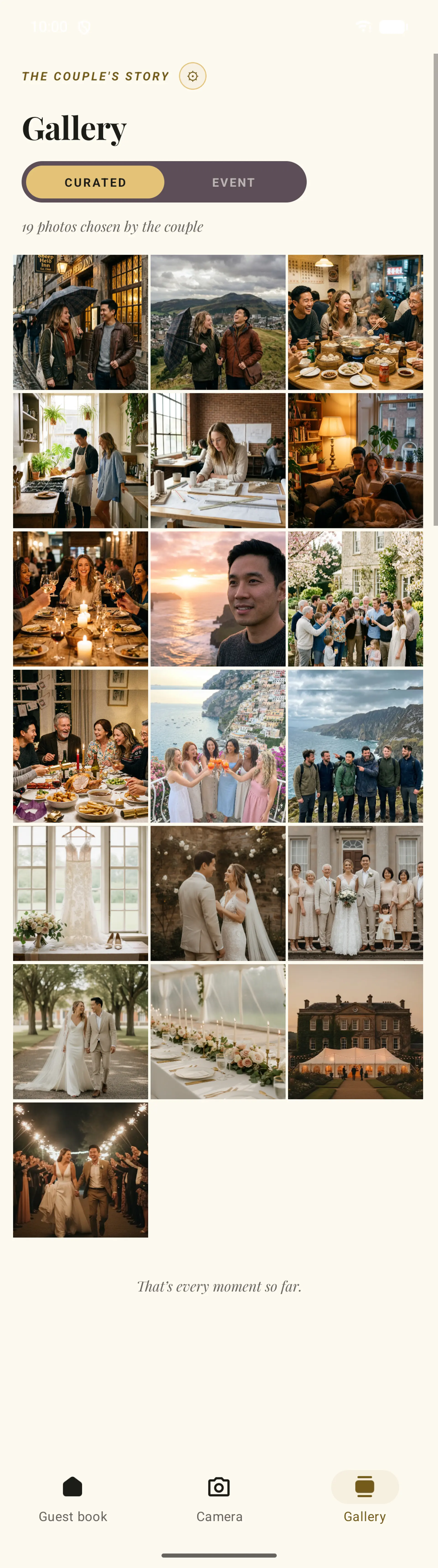
Two galleries in one: the couple's curated favourites and the live event feed
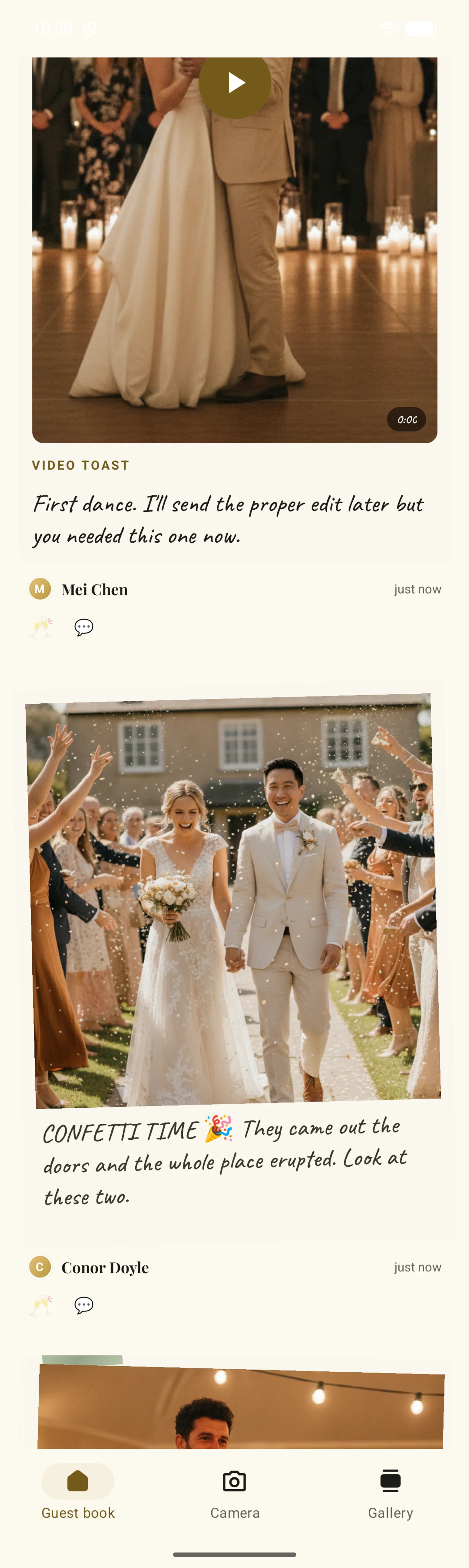
Video messages and voice toasts, recorded in the moment
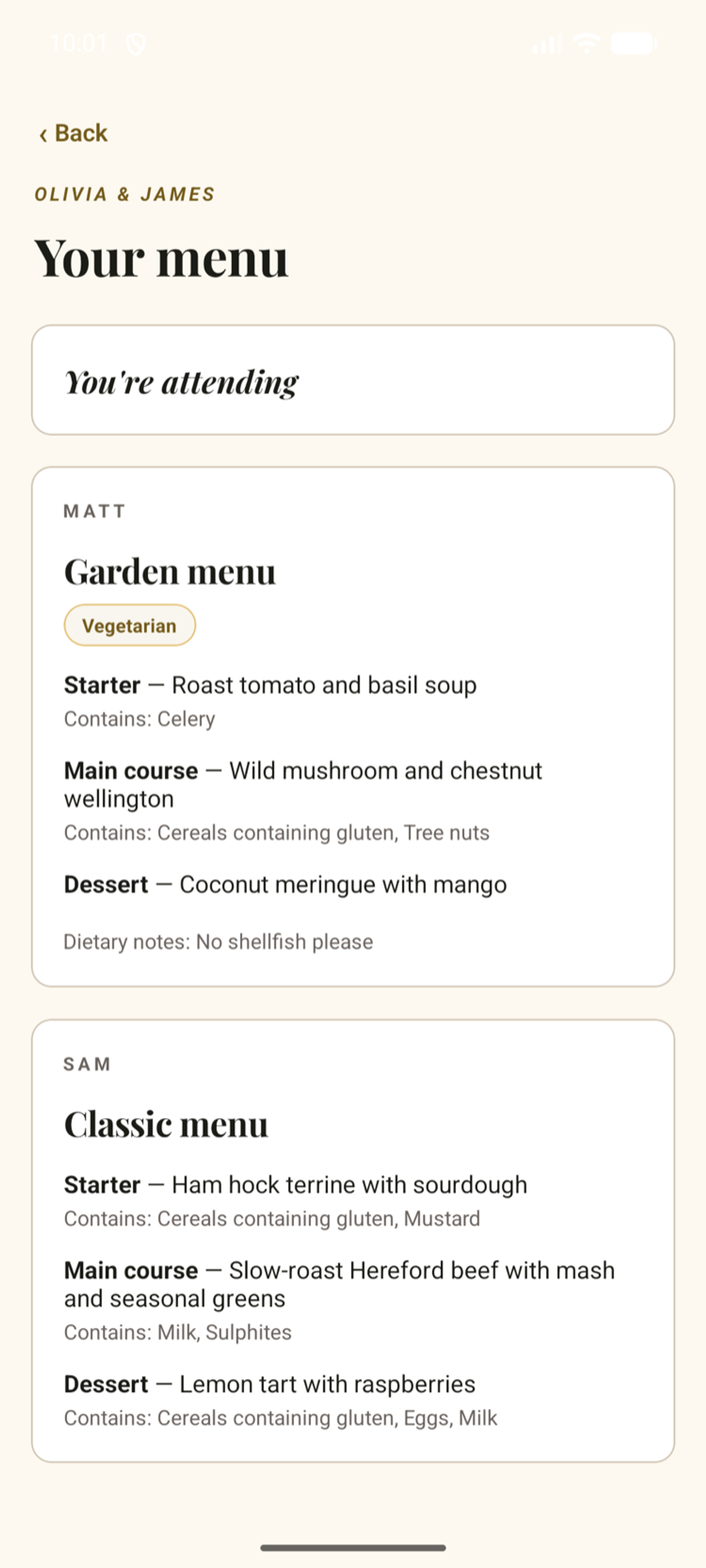
See your menu on the day
If the couple has set up meal choices, guests can open the app at the reception and see exactly what they chose when they RSVPed: their set menu, each course, and any allergen lines. Plus-ones show their own picks too, so nobody is left checking a printed table plan to remember what they ordered.
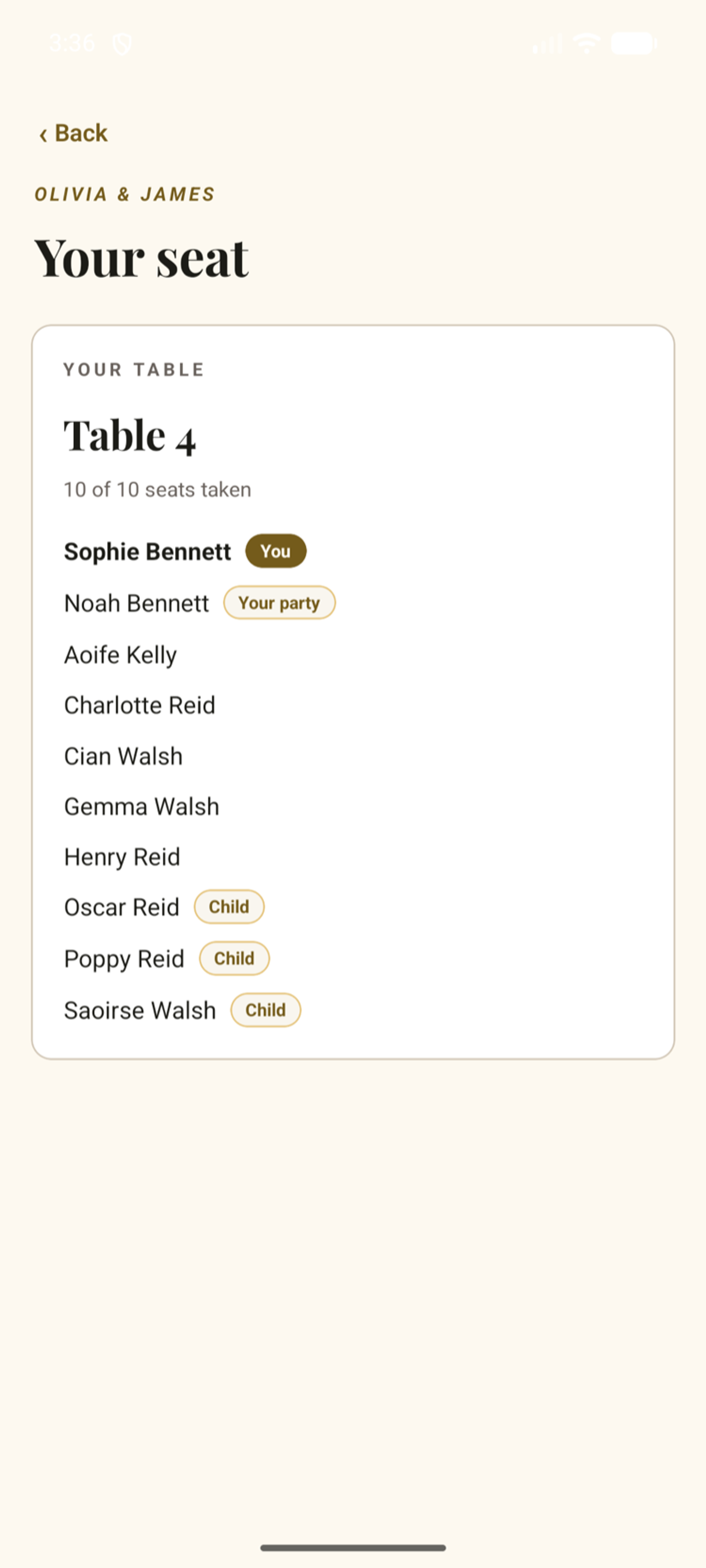
Find your seat in a tap
When the couple shares their seating plan, the app shows each guest their table the moment they arrive: the table name, who they are sitting with, and their own party clearly marked. No queueing at a printed plan by the door.
Shooting weddings professionally? See how photographers use Fizz with their couples.
AI-generated image
Clara, Theo and their guests are fictitious, and the people and photos are AI-generated. The guest app shown is coming soon.
Coming soon to the App Store
We're putting the finishing touches on the app. Until then, guests can share photos and messages straight from their browser.
Try the demo in your browser