Build your wedding menu. Guests see it on their reply.
Add each dish once and tag its allergens. Then choose how guests order: each course, a set menu, or a buffet with nothing to choose. Give each meal its own menu, and every answer lands on your Guests page for the caterer.
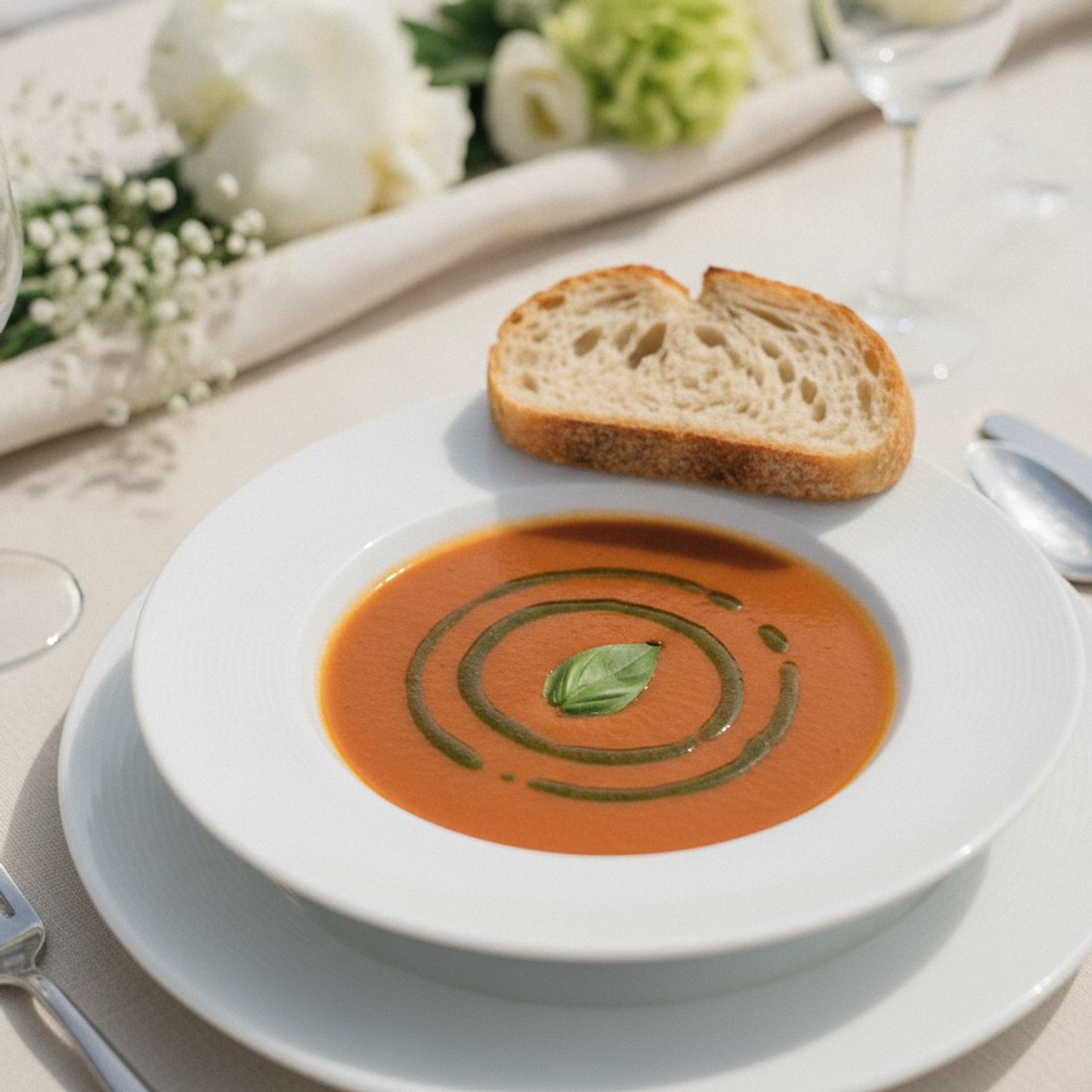
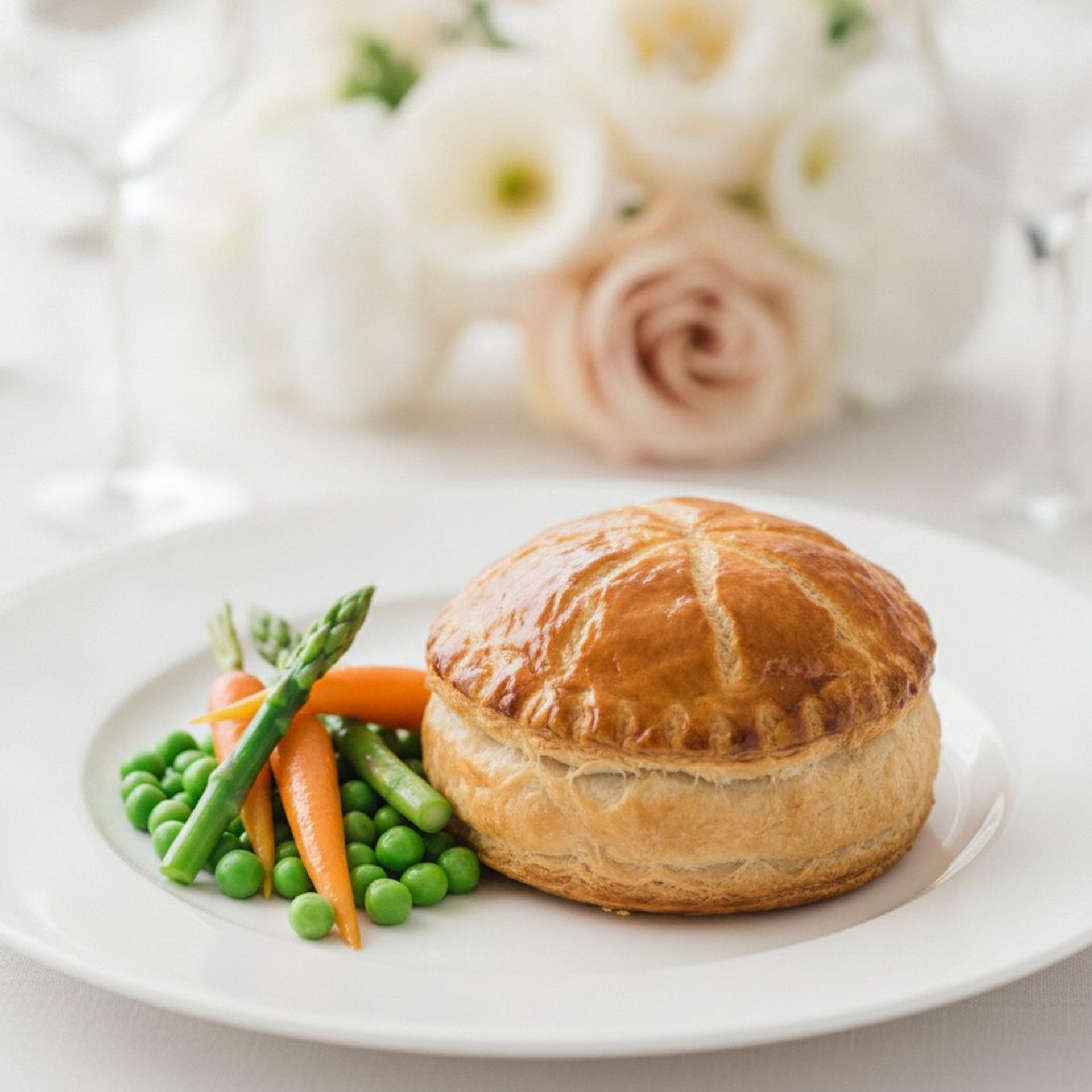
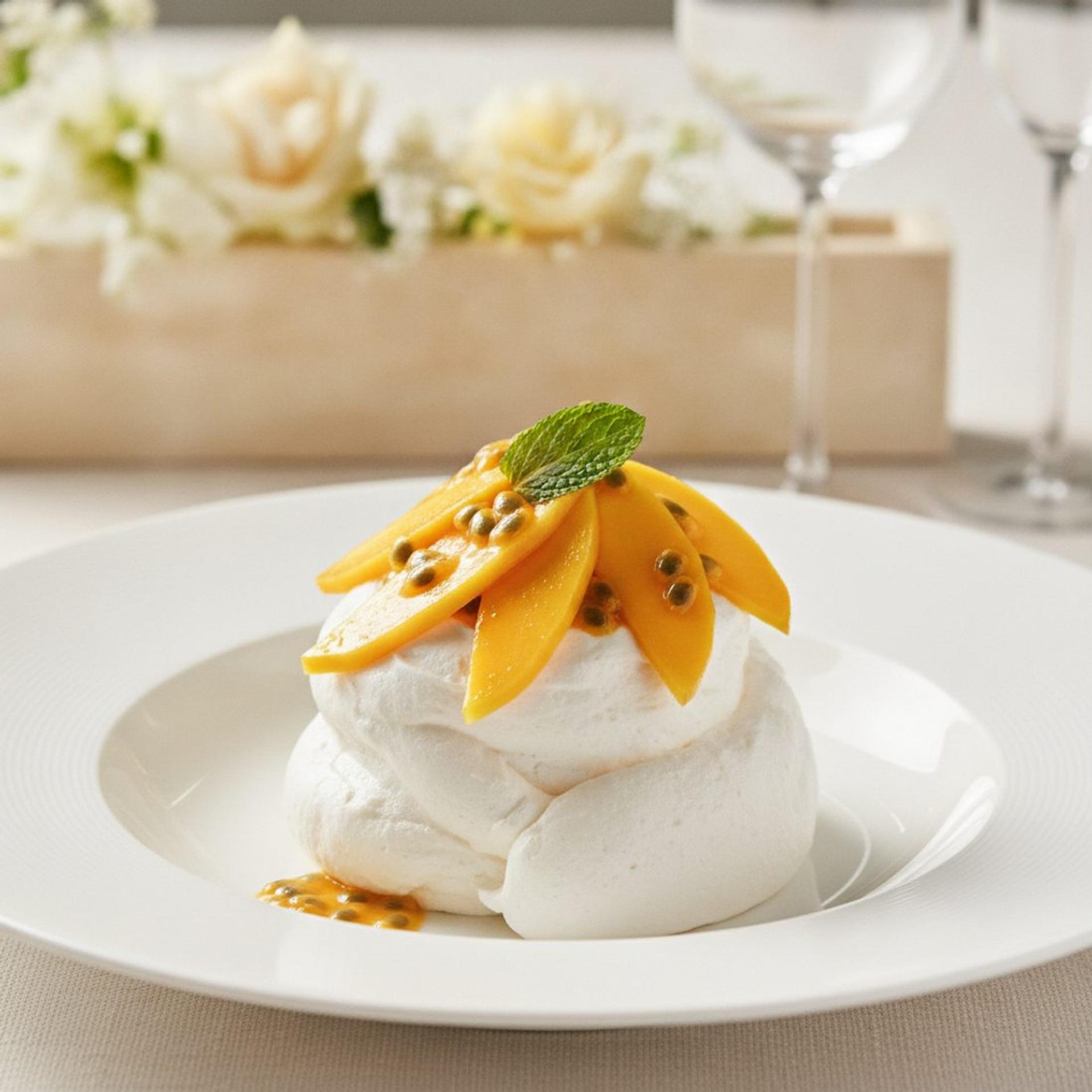
The Garden menu, start to finish
AI-generated image
Build your menu
Add courses and dishes, then group them into set menus with your own names, such as Classic menu, Garden menu or Children's menu. Tag a dish as vegetarian, vegan or pescatarian and a fully suitable menu gets an automatic badge, and mark any of the 14 UK regulated allergens so guests see a plain "Contains:" line for every dish.
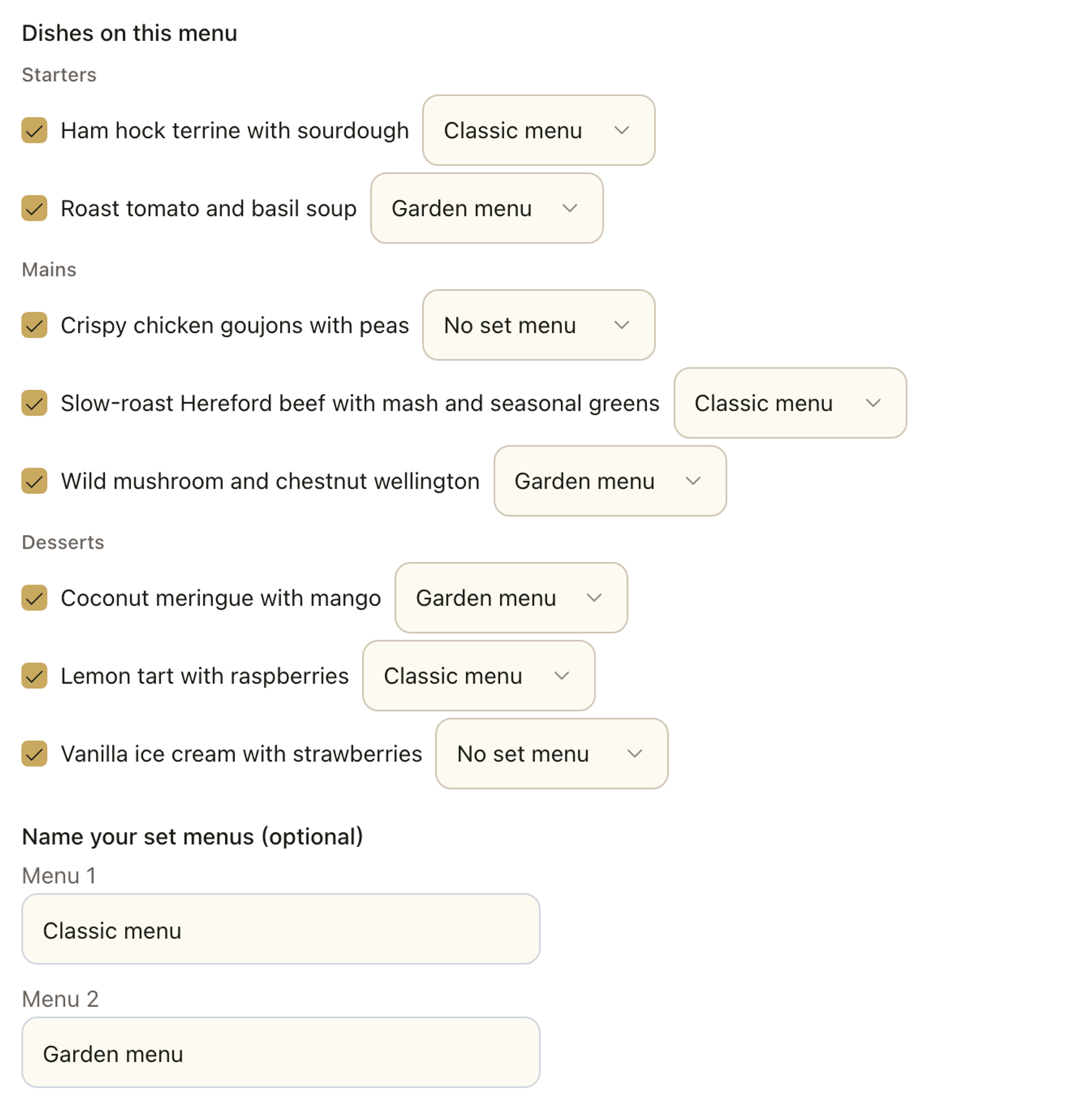
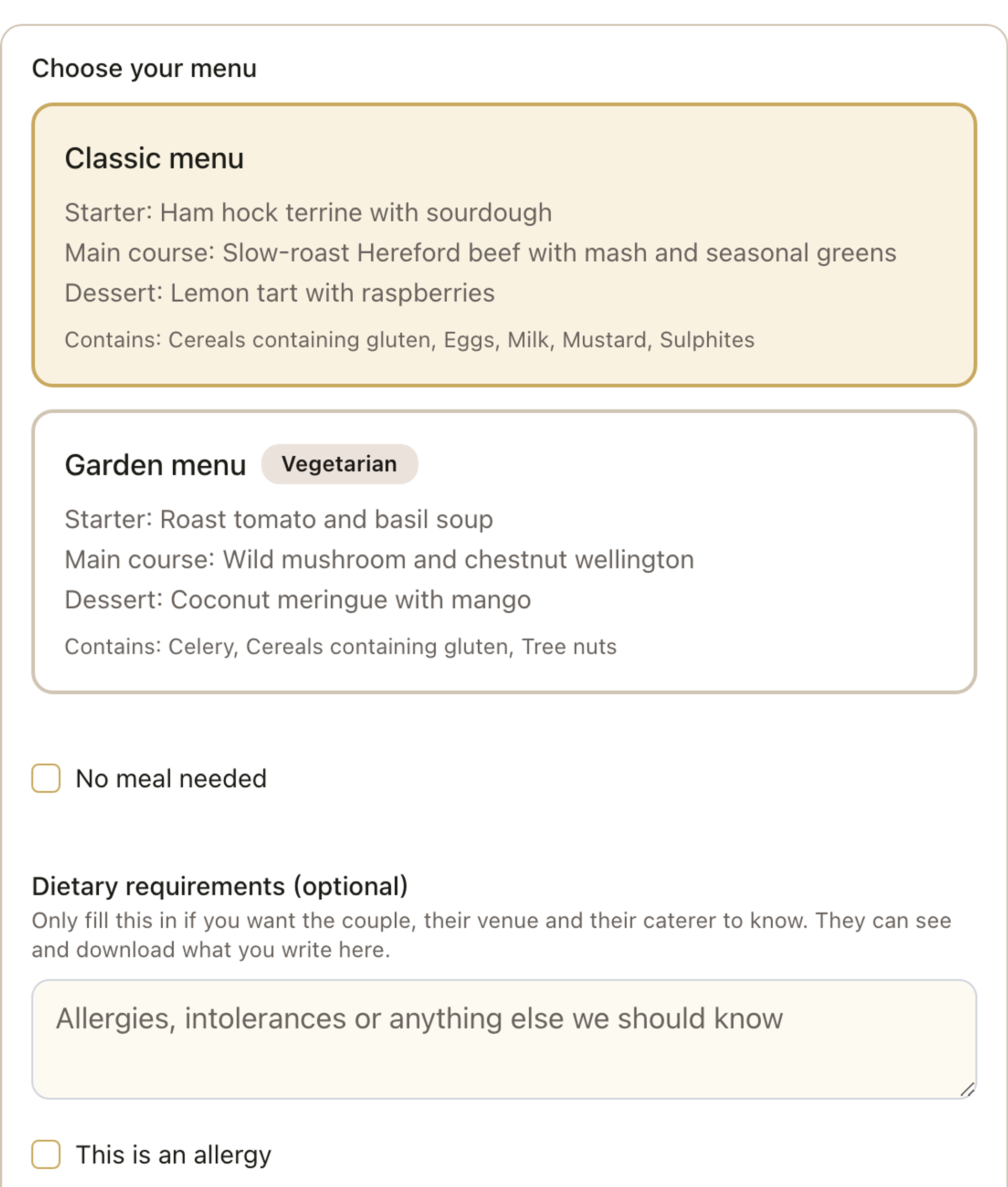
Classic menu
- Starter:
- Ham hock terrine with sourdough
- Main course:
- Slow-roast Hereford beef with mash and seasonal greens
- Dessert:
- Lemon tart with raspberries
Contains: Cereals containing gluten, Eggs, Milk, Mustard, Sulphites
Garden menu
Vegetarian- Starter:
- Roast tomato and basil soup
- Main course:
- Wild mushroom and chestnut wellington
- Dessert:
- Coconut meringue with mango
Contains: Celery, Cereals containing gluten, Tree nuts
A menu for every meal
Breakfast, wedding breakfast, evening buffet: each meal gets its own menu, caterer and meal deadline. Add each dish once and put it on as many menus as you like. Your totals come out for each menu, so each caterer sees its own numbers. Meals for your photographer and band are counted on their own line and never as guests.
Guests choose in one tap
Once your menus are set up as whole meals, the RSVP form shows each one as a single card, so a guest picks Garden menu once instead of a starter, a main and a dessert separately. For mix-and-match weddings, choosing each course still works just the same. Every choice lands in your guest list and in the CSV export you hand to your caterer.
Common questions
Can I rename my menus?
Yes. Give each set menu its own name, such as Classic menu, Garden menu or Children’s menu, and guests see that name on their RSVP card.
How many menus can I set up?
As many as you need. Add each dish once, then give each meal its own menu, such as the wedding breakfast and the evening buffet. A menu can have as many set menus as you like, each built from the dishes you choose.
What about allergies?
Tag every dish with any of the 14 UK regulated allergens and guests see a plain "Contains:" line for that dish. Guests can also add a free-text dietary note when they RSVP, for anything a tag does not cover.
We’re having a buffet. Do we need the menu builder?
It helps. Build your menu as usual and switch it to Buffet: guests see every dish and what it contains, with nothing to choose. A buffet needs at least one dish. Or leave the menu empty. Either way, guests who say yes can tell you about dietary needs for themselves and their plus-ones, and you get every note in one list for your caterer, who still labels the buffet itself.
Can guests change their choice after RSVPing?
Yes. Guests can update their RSVP, including their menu choice, until the end of the RSVP deadline day, in your wedding's time zone. You can also set a Meal choices close date for each menu. After it, guests cannot change their meal for that menu. They can still say they cannot come.
Which plan do I need?
RSVP, the menu builder, meal choices and guests’ dietary notes are all included on every plan.
How do I count meals for my photographer and band?
Type the number under Supplier meals on the menu. They appear on their own line in your totals and never count as guests.
What is the allergy tick?
A guest can mark their dietary note as an allergy, so your caterer reads it first. Allergies come first in the dietary list.
How are babies and highchairs counted?
Anyone who will not eat the caterer's food can be marked No meal needed. A child who needs a highchair gets a separate tick, Needs a highchair. Both keep their seat and count in your headcount, and your caterer sees No meal and Highchairs lines.
Try it free first: Wedding Menu & Allergen Planner.
See the menu builder for yourself
Have a look around a real demo wedding page, then pick the tier that suits you.
Planning weddings for a living? See how planners run Fizz for their couples.
AI-generated image
Clara, Theo and their guests are fictitious, and the people and photos are AI-generated. The guest app shown is coming soon.