How to Share Your Wedding Photos After the Big Day
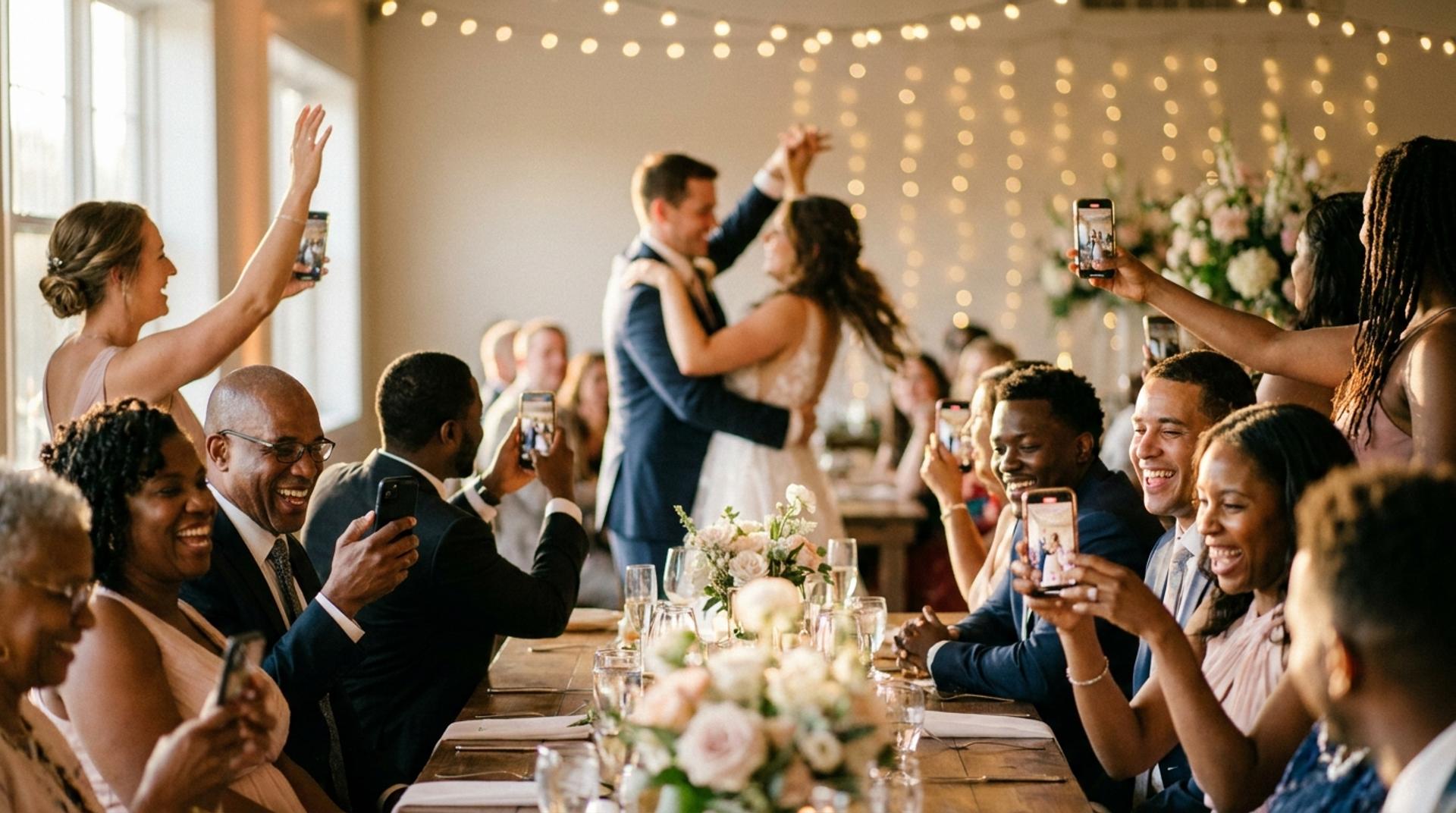
AI-generated image
A few weeks after the wedding, your photos arrive in pieces. The photographer sends a gallery link. A cousin texts a dozen blurry-but-perfect dance-floor shots. Someone drops a folder in a group chat that half the family cannot open. Bit by bit, the day you want to remember as one thing gets scattered across a dozen places, in a dozen formats, at a dozen different qualities.
This guide is about pulling it all back together. Not just getting the photographer's gallery to your relatives, but solving the problem nobody names: you have two streams of photos, the professional and the guests', and they almost never end up in the same place. Here is how to gather everything, keep the quality, and put it somewhere your family will actually return to.
How do you share wedding photos after the wedding?
Share your photos in two streams that meet in one place: get the photographer's gallery, gather your guests' photos, and bring both into a single permanent home, your wedding website, that anyone can open from one link without an app or an account. The mistake most couples make is treating these as separate jobs and ending up with the photos in two or more places that never join up.
The quality of how you share matters as much as the fact that you do. Send photos the wrong way and you quietly destroy them, which is where we will start.
The quality pitfall: how sharing destroys photos
The most common ways of sending photos are the ones that wreck them, so know what each method does before you use it. The damage is invisible until you try to print, at which point it is too late.
- Messaging apps heavily compress images. Sending through a typical chat app can strip the great majority of a photo's pixels and remove the original file data, so a crisp twelve-megapixel image arrives a fraction of its original size. Estimates vary, but the reduction is severe, often cited at around eighty per cent or more of the detail.
- Mainstream cloud albums can re-compress images even at their "original" setting, and some impose limits on how many items an album can hold.
- Social platforms compress on upload too, typically taking a meaningful chunk of the quality, and anything posted publicly loses the privacy you may want.
- Email bounces large files or quietly shrinks attachments.
The fix is simple: share originals, through a method that preserves full resolution, and avoid passing photos hand to hand through chat apps if you ever want to print them.
Stream one: the photographer's gallery
Your photographer's gallery is your professional record, and it usually arrives four to eight weeks after the day, often with a deadline you must not miss. Many photographer galleries are hosted on platforms that expire, commonly within six to twelve months, after which the high-resolution downloads disappear.
So the first rule is to download everything in full resolution as soon as the gallery lands, ideally within the first month, and back it up in two places. Once you have the originals safe, you can share the gallery link with guests, and, crucially, move the images into your permanent home rather than relying on a link that will one day go dark. For relatives who are not comfortable online, a printed album from this set is the kindest way to share.
Stream two: your guests' photos
Your guests' photos are the candid other half of the day, and gathering them well is entirely about removing friction before the wedding, not after. Left to chance, you receive a thin handful; with a plan, you receive hundreds.
The single biggest factor is whether guests have to download an app. Industry comparisons from guest-photo platforms suggest that methods working straight in a browser see far higher participation, in the region of two-thirds to over four-fifths of guests, than app-required tools, which can drop to a third or less. The lesson is not "never use an app", it is "set up the easy route before the day and make it visible". The full playbook is in how to collect every guest photo at your wedding.
Here is how the common ways to gather guest photos compare:
- Messaging or group chat: very easy, but heavily compressed and quickly buried, with no permanent home.
- Shared cloud album: good quality if guests upload originals, but the sign-in friction lowers participation.
- Browser QR upload tool: high participation and no download, but galleries usually expire and there is no voice or video.
- Photographer's gallery: professional quality, but it is your photos only, and it expires.
- A wedding website with a built-in gallery: guests upload through the browser, the photos stay at full quality in a permanent home, and a paired wedding-day app can add native-camera capture, voice toasts and video. This is the model that solves both streams at once.
Whatever you choose, set it up before the day. A method introduced cold at the reception is a method most guests ignore.
Bringing both streams together
The real goal is one home for both streams, so the professional gallery and the guest candids sit side by side rather than living in separate places forever. This is the step almost every couple skips, and the one that makes the difference between a folder and a keepsake.
A folder is where photos go to be stored. A keepsake is where they go to be revisited. The difference is design: a single place, on one link, where the polished images and the unscripted ones are together, the voice toasts are playable, the video messages are watchable, and you can open the whole day on the sofa at your anniversary.
This is the heart of the Fizz approach. Your wedding website is the permanent home, holding two galleries in one, the curated and the candid, so the day is something you return to rather than archive. Guests already know the link, because it is the same site they used before the wedding, and the companion app, coming soon, adds wedding-day capture, voice toasts and video that flow straight into the same place. See how it fits together on the companion app page.
Sharing with people who were not there
Give the people who could not attend one simple link, and the tech-averse a printed alternative. Not everyone you want to share with was in the room, the grandparent who could not travel, the friend overseas, and a permanent gallery on a single URL is the easiest possible way to include them. One link, no app, no account, openable on any device.
For relatives who are not online at all, a printed photo book made from your favourites is the warmest way to share, and it doubles as an heirloom. You can make one from the photographer's set once you have the originals.
Your post-wedding photo checklist
Work through this in the weeks after the day.
- Download the photographer's gallery in full resolution as soon as it arrives, well within any deadline.
- Back up the originals in two places before doing anything else.
- Gather your guests' photos from wherever you set up collection, ideally a single gallery you prepared before the day.
- Bring both streams into one permanent home so nothing relies on an expiring link.
- Share the one link with everyone, including those who were not there.
- Make a printed album or book for relatives who prefer something physical.
- Keep collection open for a few weeks, as guests keep finding photos.
- Tidy once, at the end, removing duplicates and the accidental shots.
The short version
Treat your wedding photos as two streams that meet in one place. Get the professional gallery and back it up fast, gather the guest photos with a plan you set up before the day, and bring both into a single permanent home on one link, so quality is preserved, nothing expires, and everyone, including the people who could not be there, can relive the day for years. For what that permanent home looks like and how a wedding-day app feeds it, visit the companion app page.
Fizz keeps the whole collection together: see guest photo sharing and the guest book for how photos, videos and messages live side by side.
Frequently Asked Questions
Bring your guests together to celebrate
A shared wedding page where everyone can add their favourite photos, videos, and memories.